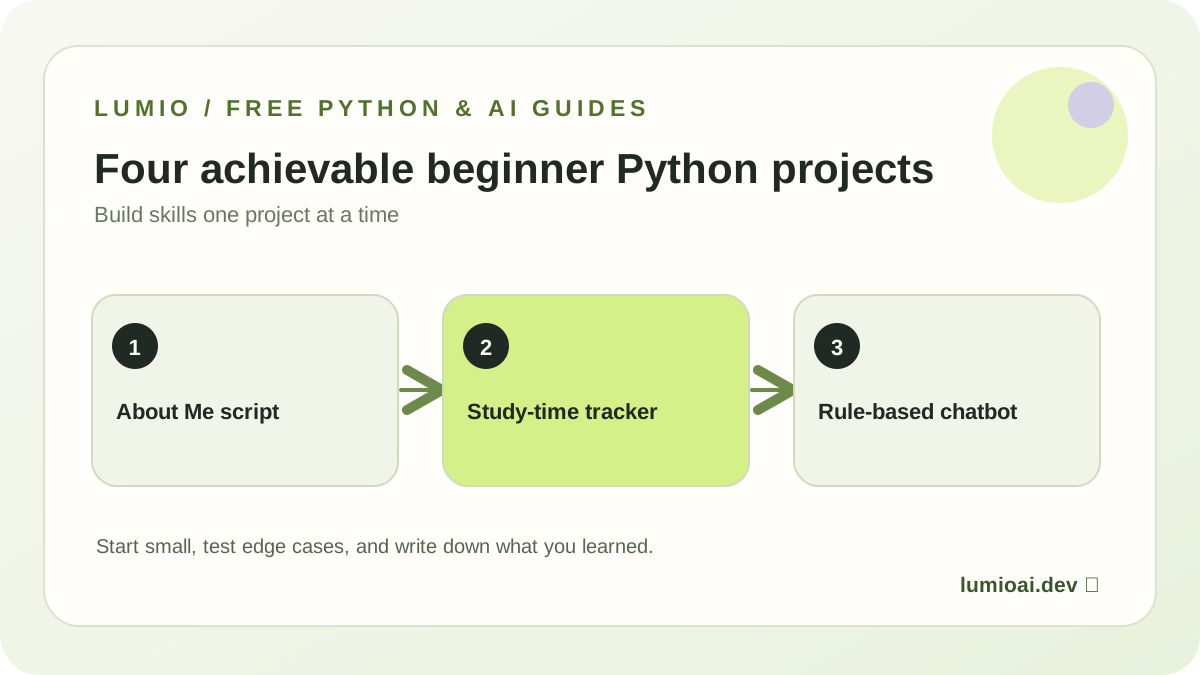
1. About Me program — around 15–20 minutes
Build: a short script that introduces you and calculates one number. Learn: variables, strings, print() and basic debugging. Finish line: change three values and correctly predict the output before you run it. Use the full step-by-step Python lesson if this is your first program.
2. Study-time calculator — around 30–45 minutes
Build: a tiny planner that calculates weekly practice time. Learn: numeric input, conversion and conditionals. The example below assumes you enter a valid whole number.
minutes = int(input("Minutes you can practice daily: "))
weekly = minutes * 7
print("Weekly practice minutes:", weekly)
if weekly >= 140:
    print("Great consistency target!")
else:
    print("Start small and keep showing up.")
Stretch goal: protect the conversion with try/except ValueError and reject negative numbers. Test with 0, 20, 60 and text input. A project feels finished when you can explain its boundaries.
3. Tiny habit tracker — around 60–90 minutes
Build: a command-line tracker with a list of habits. Learn: collections, loops and functions. Start with a list like habits = ["Python", "Reading"], print each item in a loop, then create a function to add an item. If you are comfortable with files, save the list as JSON and load it the next day.
Stretch goal: avoid duplicate habits and handle missing files. Keep a short README describing one limitation and one improvement you would make.
4. FAQ assistant prototype — around 90–120 minutes
Build: a simple assistant that selects a known answer from a small FAQ dictionary. Learn: text normalization, dictionary lookup and fallback behavior.
faq = {
    "what is python": "Python is a programming language.",
    "what is ai": "AI is a field of computing."
}
question = input("Ask a question: ").strip().lower()
print(faq.get(question, "I do not know that yet."))
Important distinction: this is a rule-based chatbot, not a language model or a trained AI system. That distinction matters. After it works, you can explore a model API to answer broader questions. Keep the API key on a server, verify usage and billing limits, and measure accuracy rather than assuming an AI-generated answer is correct.
Which project should you start with?
If you have never coded, do project 1 today. If you have tried variables and conditions, choose project 2. If you can use loops and functions, try project 3. Project 4 makes a good bridge into questions about real AI systems, evaluation and safety.
From beginner builds to AI engineering
The next challenge is not to make the biggest demo; it is to make one you can test. Add input validation, examples of expected output, and a README. Then follow the AI engineering roadmap toward data workflows, model applications and reliable production systems. Lumio is planning hands-on guided missions for these skills and invites interested learners to join the early-access list.
What counts as a finished project?
Write down the problem, the inputs and outputs, instructions to run the program, one expected result and a known limitation. Test invalid inputs as well as the easy cases. A short, understandable README helps future you—and anyone reading your portfolio—reproduce the result.
For more practice try the ten beginner Python exercises. If you're ready to combine loops, dictionaries and functions, follow the chatbot tutorial with full code and tests. It honestly distinguishes a rules-based assistant from a model-powered AI chatbot. Continue learning with free seven-day Python-for-AI practice plan.