
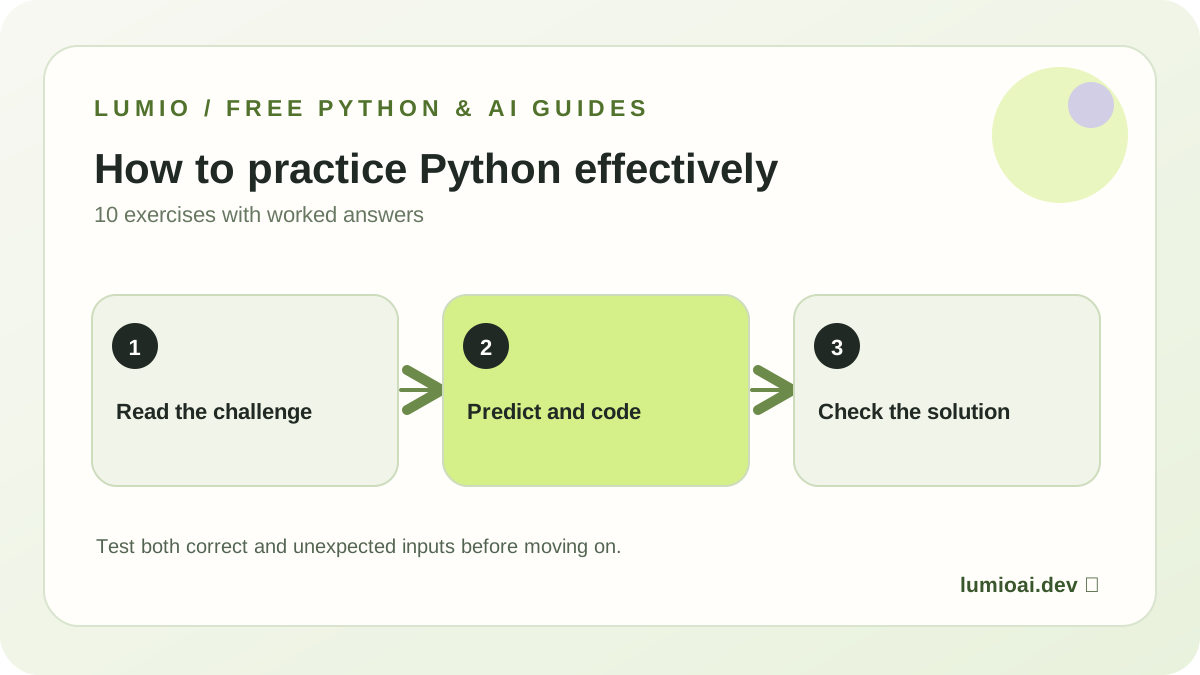
Before you start
Use any Python 3 interpreter. Save each solution to a separate file so you can compare your first guess with the final code. These exercises cover the foundations used in larger AI engineering projects. For a complete first example, see your first Python project. For daily structured practice, use the free 7-day Python for AI plan first.
Predict the output
1. Operator precedence
What will the following code print? Change the parentheses and test again.
print(2 + 3 * 4)Show solution
Output: 14. Multiplication happens before addition. (2 + 3) * 4 prints 20.
2. A personal greeting
Store your name in a variable and print a sentence containing it. Try a different name to verify the result.
Show solution
name = "Alex"
print(f"Hello, {name}!")
The f-string inserts a variable into the printed text.
3. Fix a syntax error
Find the mistake in print("Python is fun). Make the smallest possible correction.
Show solution
print("Python is fun")The original code is missing a closing quotation mark.
Conditions and collections
4. Even or odd
Print “even” when the integer is divisible by two and “odd” otherwise. Test 0, 8 and 9.
Show solution
number = 8
if number % 2 == 0:
    print("even")
else:
    print("odd")
The remainder is zero for even integers, including zero itself.
5. Count study sessions
Use one loop to print three session numbers, from 1 to 3.
Show solution
for session in range(1, 4):
    print("Session", session)
The ending value of range is excluded.
6. Total study time
Find the total of [10, 15, 20], first with a built-in function and then with a loop.
Show solution
minutes = [10, 15, 20]
print(sum(minutes))

total = 0
for value in minutes:
    total += value
print(total)
Both outputs are 45. The second approach shows how a running total works.
7. Missing dictionary keys
Display a learner's name. If their streak is missing, show zero without crashing.
Show solution
learner = {"name": "Alex", "goal": "Python"}
print(learner["name"])
print(learner.get("streak", 0))
get() supplies the fallback value.
Functions and debugging
8. Minutes into hours
Write a function converting minutes to hours. Test inputs 30, 60 and 90 with assertions.
Show solution
def hours(minutes):
    return minutes / 60

assert hours(30) == 0.5
assert hours(60) == 1
assert hours(90) == 1.5
An assertion raises an error if the actual value differs from the expected value.
9. Normalize a question
Turn " WHAT IS PYTHON? " into "what is python?".
Show solution
question = "  WHAT   IS  PYTHON? "
clean = " ".join(question.strip().lower().split())
print(clean)
Removing excess spaces and lowercasing text makes simple comparisons more consistent.
10. Handle invalid input
Ask for a whole number, then double it. If the answer isn't a number, show a helpful message.
Show solution
answer = input("Enter a whole number: ")
try:
    print(int(answer) * 2)
except ValueError:
    print("Please enter a valid whole number.")
Check the error case with the word “hello”.
Debug a failing test
For exercise 8, add assert hours(120) == 2. Change division by 60 to division by 30 and watch the assertion fail. Restore the correct divisor and rerun. For exercise 7, compare learner["streak"], which raises KeyError when the key is absent, with learner.get("streak", 0). This is the habit of testing expected behavior, isolating errors and verifying a fix.
Once these checks make sense, combine functions, dictionaries and tests in a free RAG retrieval exercise in Python.
Where to go next
If you still find iteration or reusable code difficult, work through the Python loops practice tutorial and the functions and return values tutorial. Both include runnable solutions and small mini-projects.
Can you explain each exercise in your own words, without copying the answer? That is a better signal of progress than simply finishing the page. Then try the complete beginner chatbot tutorial or select a slightly larger project.
The official Python tutorial is a useful reference whenever you forget syntax. These exercises are free website resources; the guided Lumio app is still being prepared. Continue learning with Python conditionals with worked examples.